
12 Instagram Grid Ideas (With Layout Examples) + 5 Free Planning Tools
Updated 16 October 2026

Your Instagram grid is the first thing people see when they open your profile. A planned grid makes your brand easy to recognise and gives visitors a reason to follow. Before you plan the layout, it is worth checking your advanced settings instagram options so your profile is set up the way you want.
Below are 12 Instagram grid ideas, each with a simple layout diagram, who it suits and how to do it – updated for Instagram’s taller 3:4 profile grid.
What is an Instagram grid layout?
An Instagram grid layout is the visual pattern your posts create together on your profile page – for example alternating photos and quotes, a colour per row, or one large image split across nine posts. Instagram shows posts three across, so most layouts are planned in sets of three.
Why should you plan your Instagram grid?
A planned grid makes your profile look consistent, shows what your brand offers at a glance, and makes it easier to decide what to post next.
- It looks professional: a curated grid gives a stronger first impression than random posts.
- It promotes your products clearly: visitors quickly understand what you sell or do.
- It makes posting easier: you know in advance what type of post comes next.
- It wins follows: you have a few seconds to convince a profile visitor to follow.
What changed with Instagram’s 3:4 profile grid?
Since early 2025, Instagram’s profile grid shows taller rectangular 3:4 thumbnails instead of squares. Instagram’s head, Adam Mosseri, said the change was made because most photos and videos uploaded today are vertical. (Inquirer, Kapwing)
| Old grid | Current grid | |
|---|---|---|
| Thumbnail shape | Square (1:1) | Tall rectangle (3:4) |
| Best post size | 1080 × 1080 px | 1080 × 1350 px (4:5) |
| Square posts | Shown in full | Cropped at the sides |
| Puzzle grids | Planned as 1:1 squares | Must be planned as 3:4 tiles |
Instagram has since added an option to reorder posts on your profile grid (fuzz.my), so fixing a broken pattern is easier than before.
What makes a great Instagram grid layout?
A great grid uses high-quality images, a consistent editing style and a fixed colour palette, and follows a planned pattern.
- High-quality images: sharp, well-lit photos – natural light works better than indoor lighting.
- Consistency: stick to one style; if each post is different, plan the order so the grid still flows.
- One editing style: use the same preset or filter on every post.
- A colour palette: choose one or two brand colours and repeat them.
- Simple backgrounds: remove clutter so the main subject stands out.
- A content mix: plan which types of posts (photos, quotes, products) you publish each week.
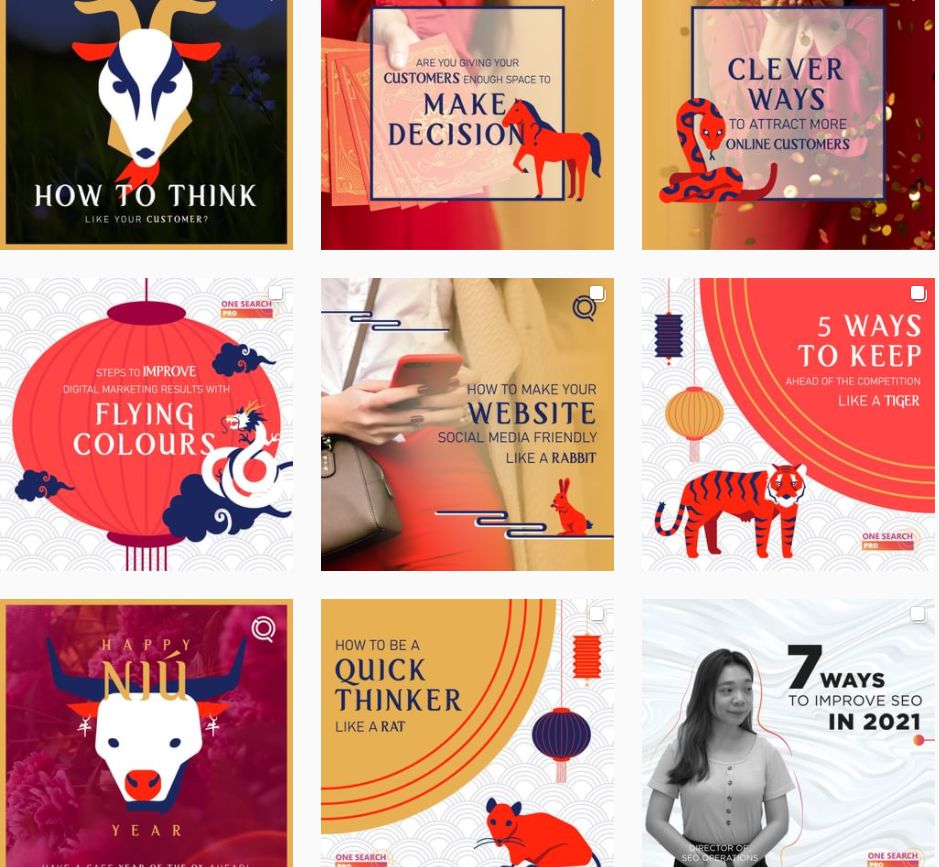
Stick to one or two color schemes for your post. Source: One Search Pro
12 Instagram grid ideas with layout examples
The 12 Instagram grid layouts are: one post at a time, checkerboard, centre column, diagonal, puzzle, mixed borders, white borders, full portrait posts, two-colour palette, colour blocking by row, negative space, and row by row. Each one below has a diagram, who it suits and how to do it.
1. One post at a time (consistent palette)
Best for: Beginners and busy brands.
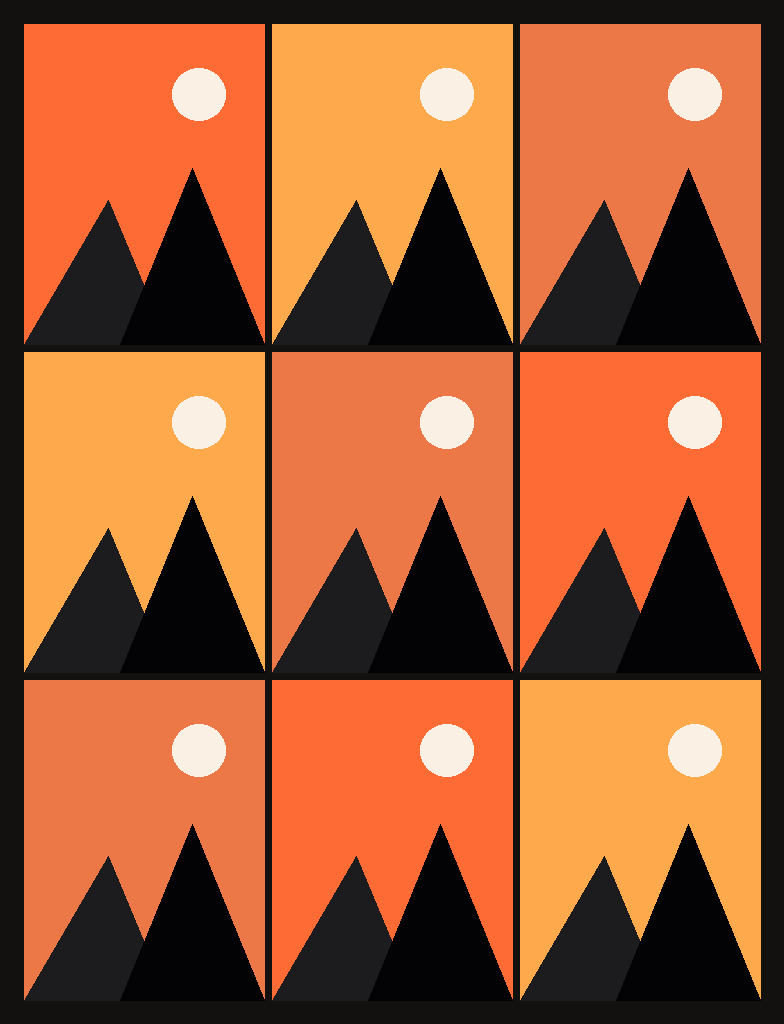
How to do it:
- Pick 2–3 brand colours and one editing preset.
- Post one strong photo at a time.
- Check the profile view before posting so nothing clashes.
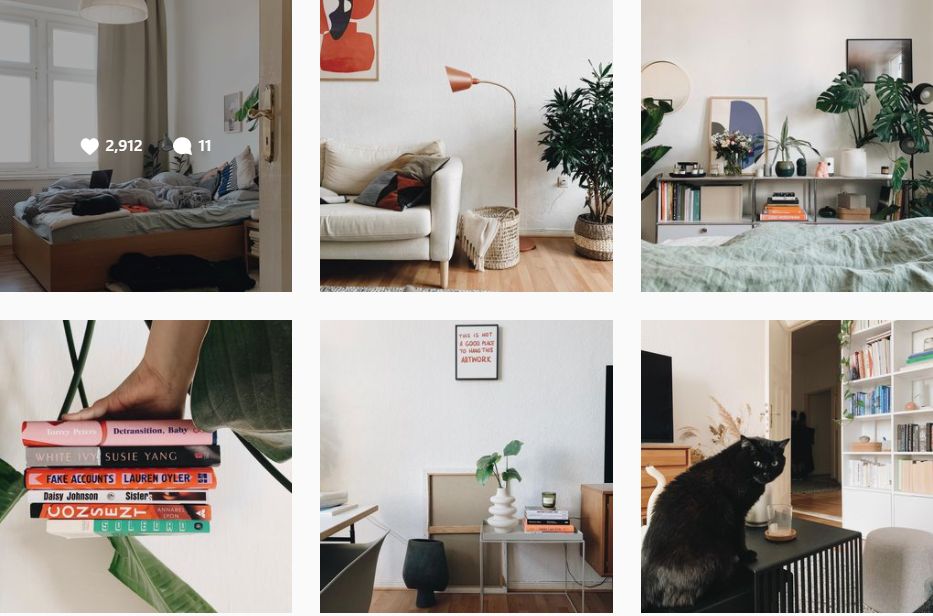
Square layout is the most easy to maintain. Source: The Wave Shave Come
2. Checkerboard
Best for: Brands that mix photos with quotes, tips or offers.
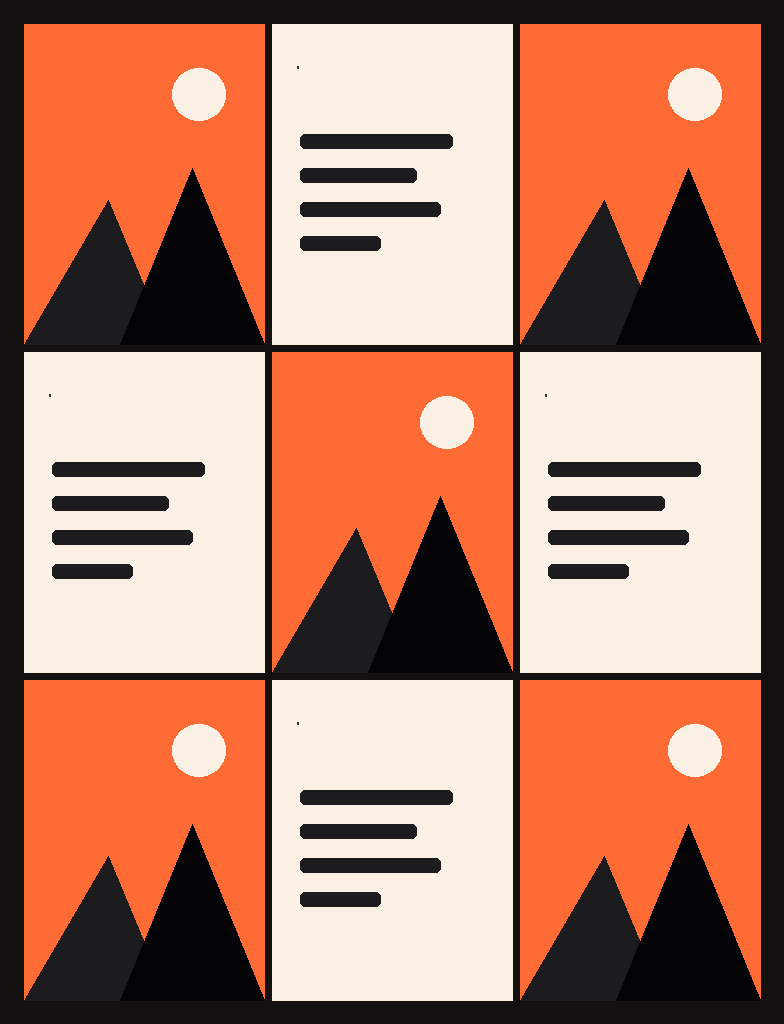
How to do it:
- Alternate two post types: photo, then text/quote, then photo.
- Keep the text posts in one background colour.
- Always post in the same order so the pattern never breaks.
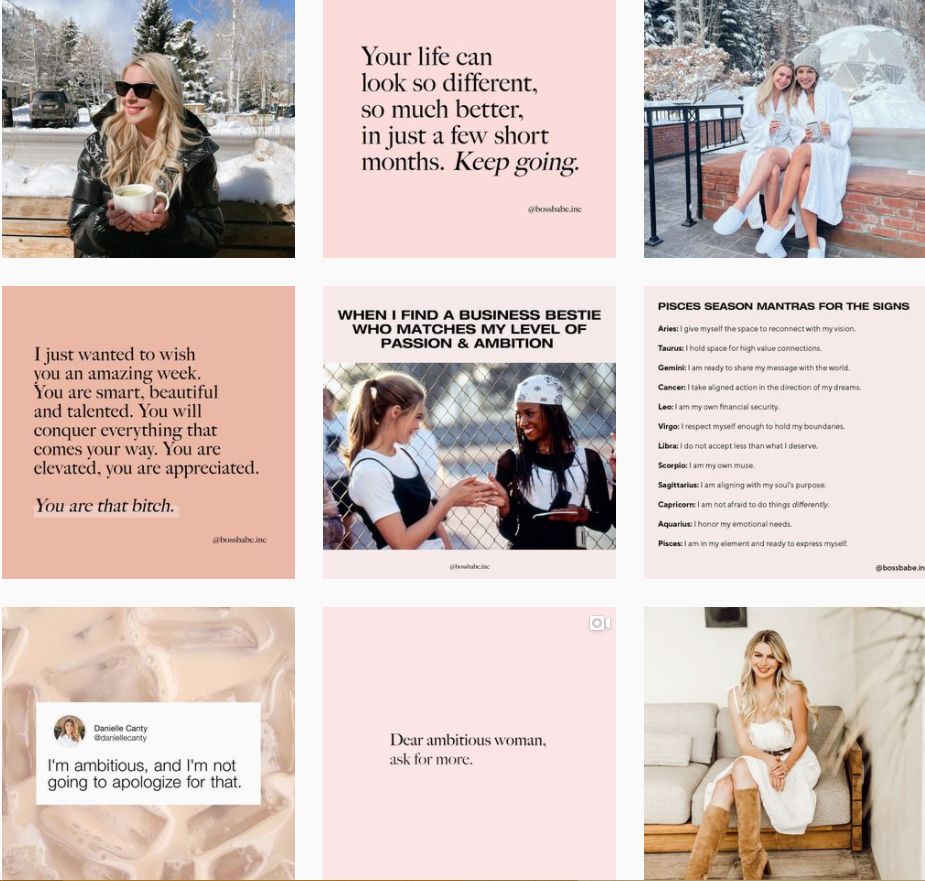
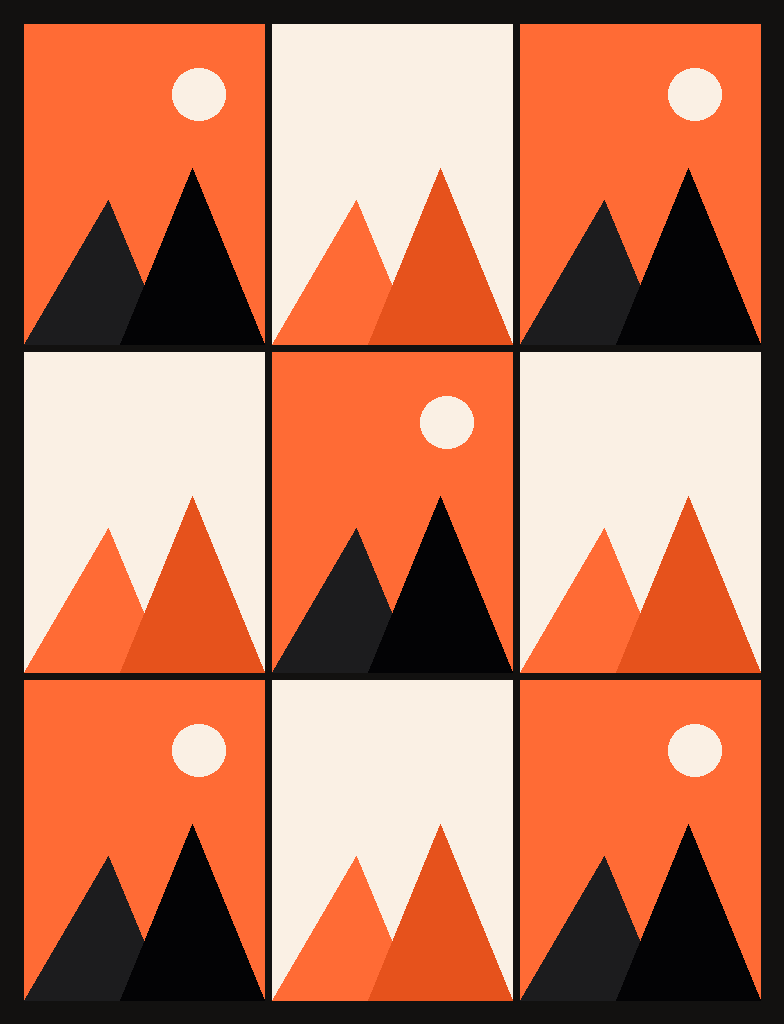
Use checkerboard layout by posting a photo, then a quote, followed by a photo and another quote. Source: Boss Babe
3. Centre column (vertical line)
Best for: Coaches, educators and quote-led accounts.
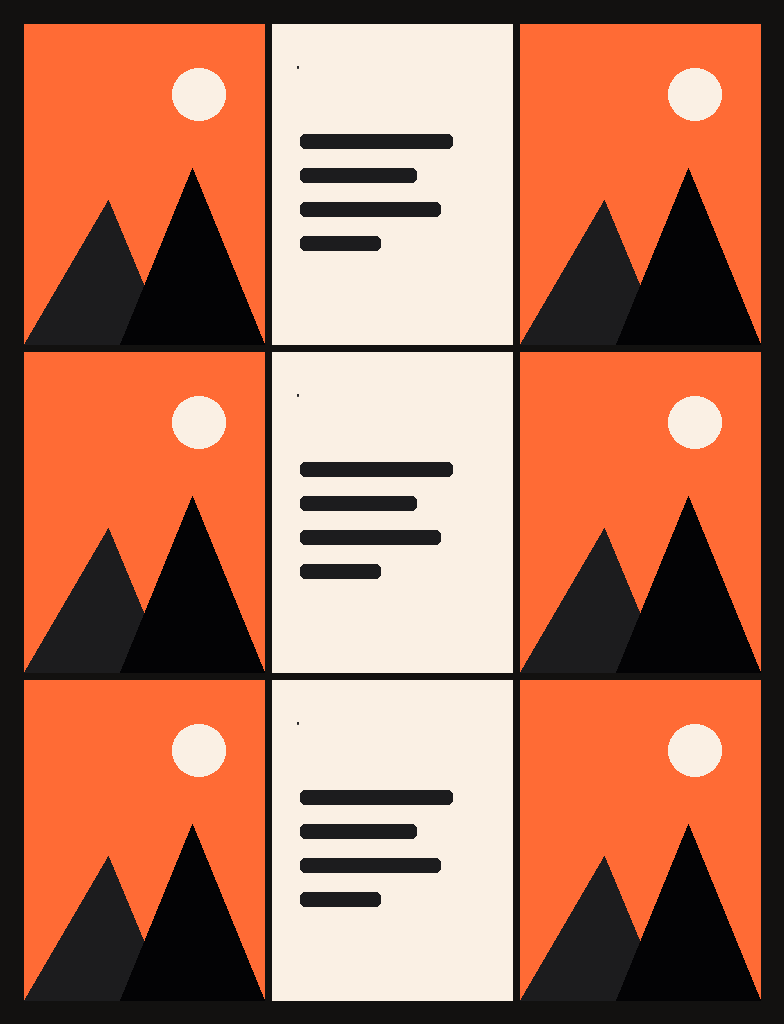
How to do it:
- Post in sets of three.
- Make the middle post of every row a quote or text post.
- Use the same background for every centre post.
The key element of vertical lines feed is on the center often filled with quotes. Source: Birch House
4. Diagonal grid
Best for: Accounts that post one text post for every two photos.
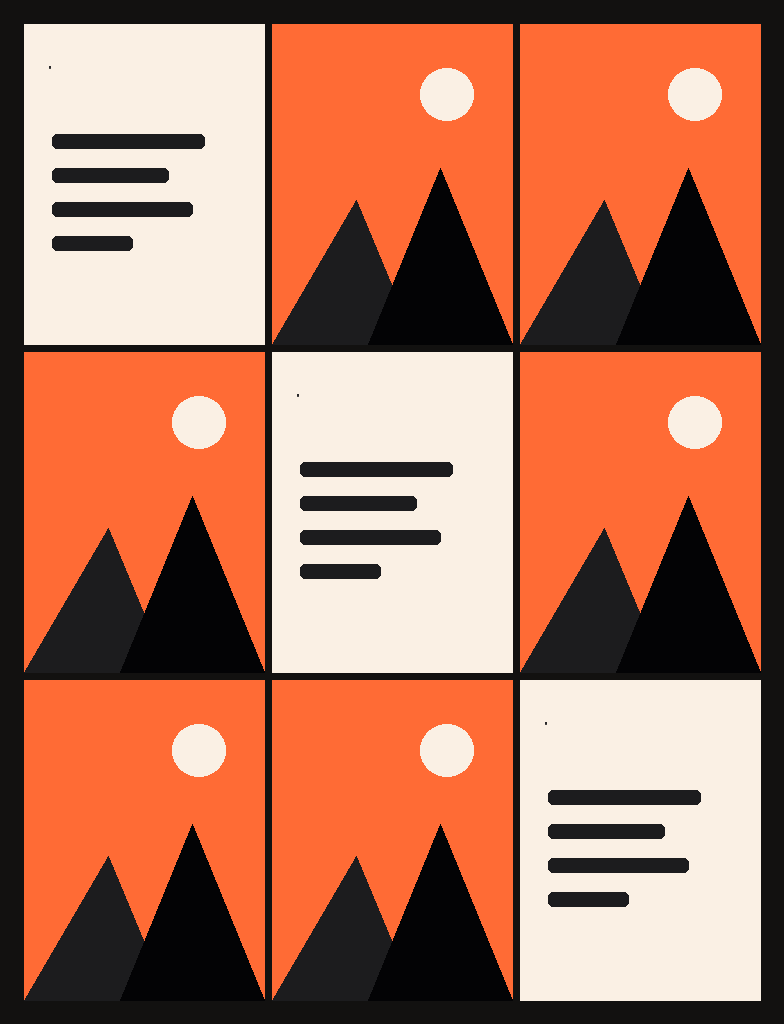
How to do it:
- Post in a repeating 3-post cycle (text, photo, photo).
- Keep the diagonal tiles in one style.
- Plan at least nine posts ahead in a grid planner.
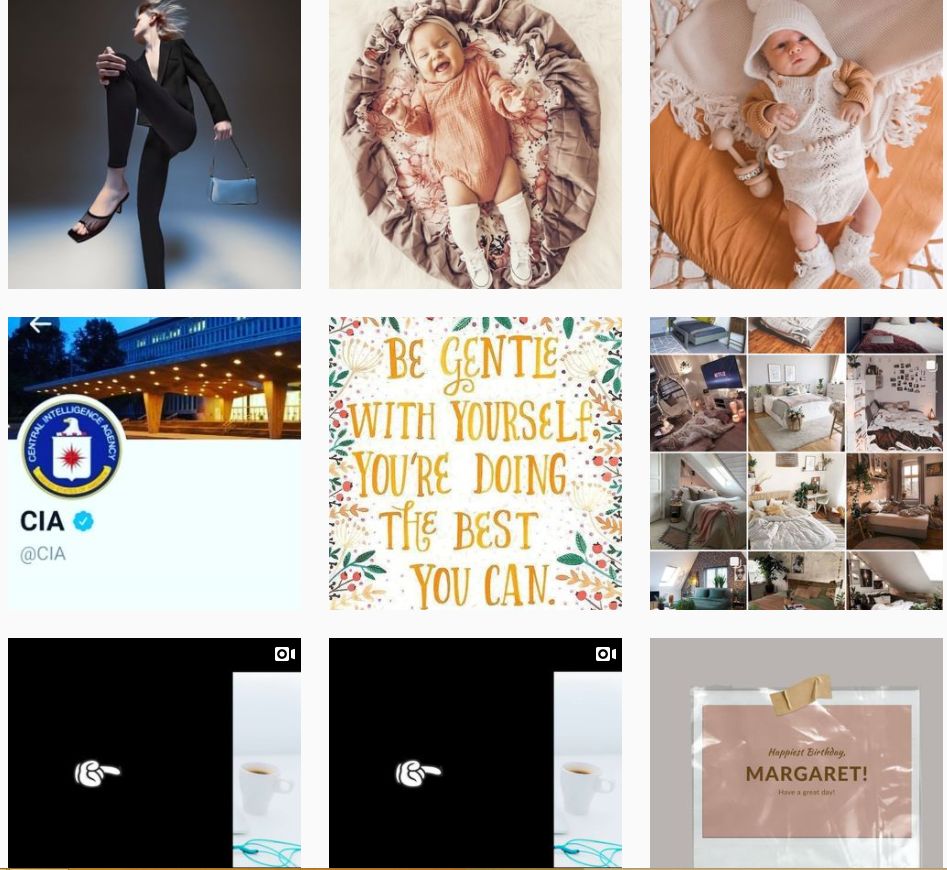
Diagonal grid often features images with the same visual aesthetics. Source: Human Doing Life
5. Puzzle grid
Best for: Launches, campaigns and big announcements.
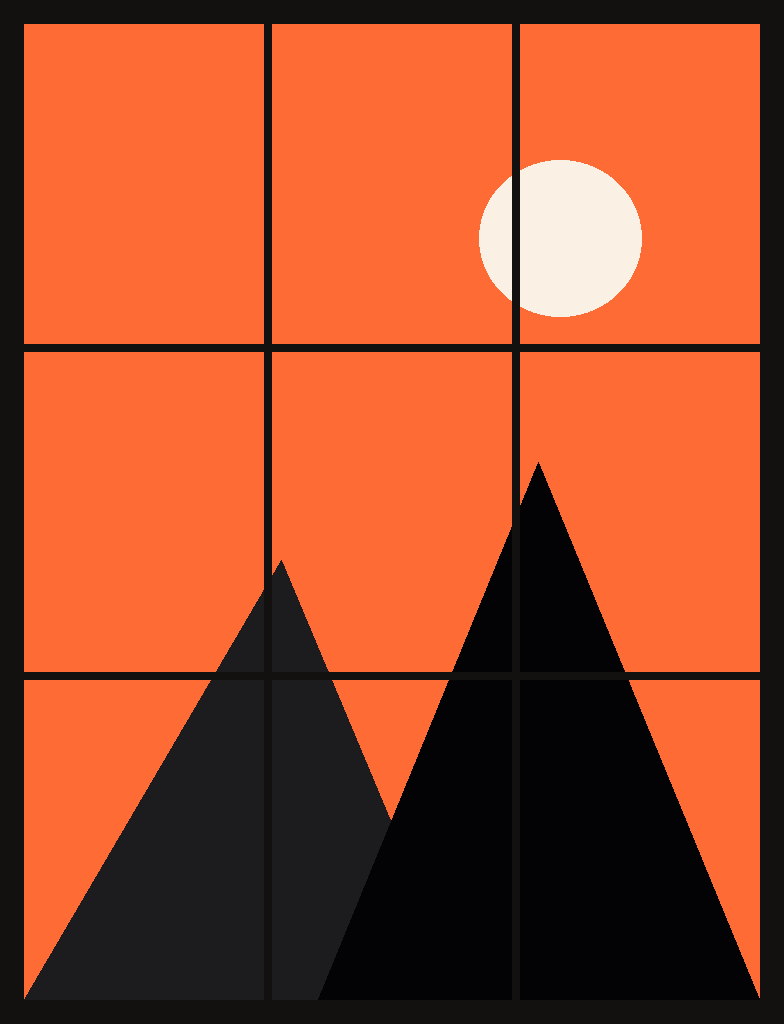
How to do it:
- Design one large image sized for a 3×3 grid of 3:4 tiles.
- Split it into nine pieces with a grid planner.
- Post from the bottom-right piece to the top-left, and make each tile still make sense on its own.
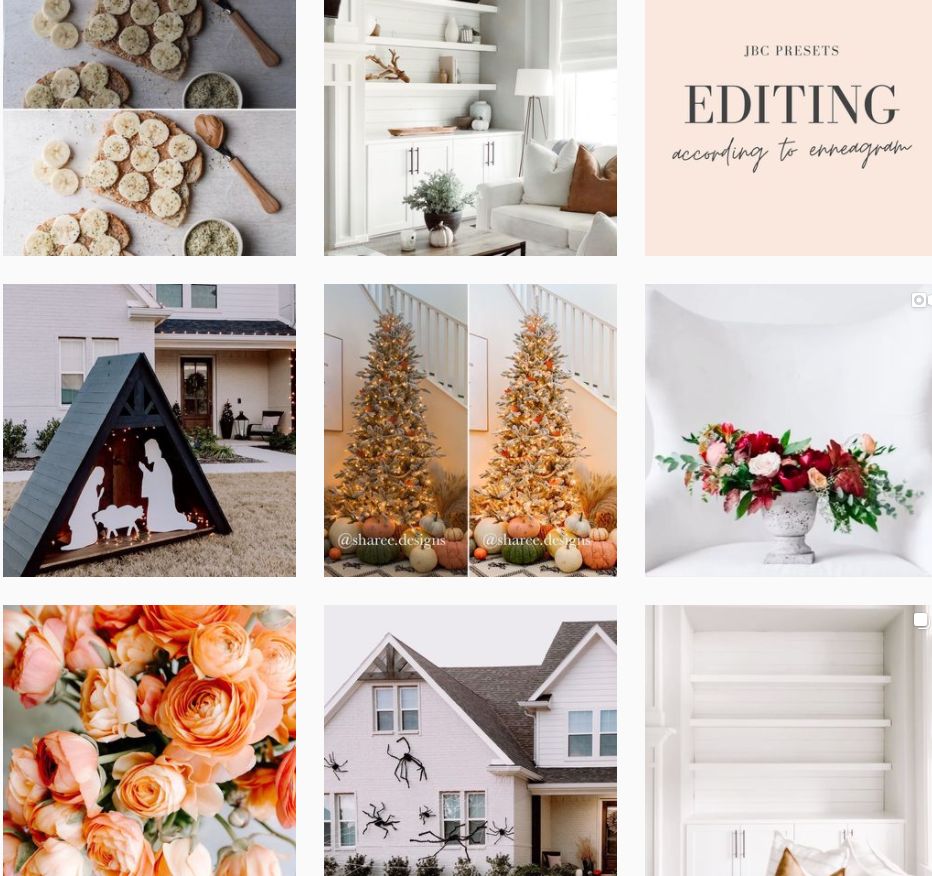
Puzzle layout can be quite challenging to maintain, but with proper planning it can turn out to be a nice feed. Source: The Jana Bishop
6. Mixed borders
Best for: Photographers and lifestyle brands.
How to do it:
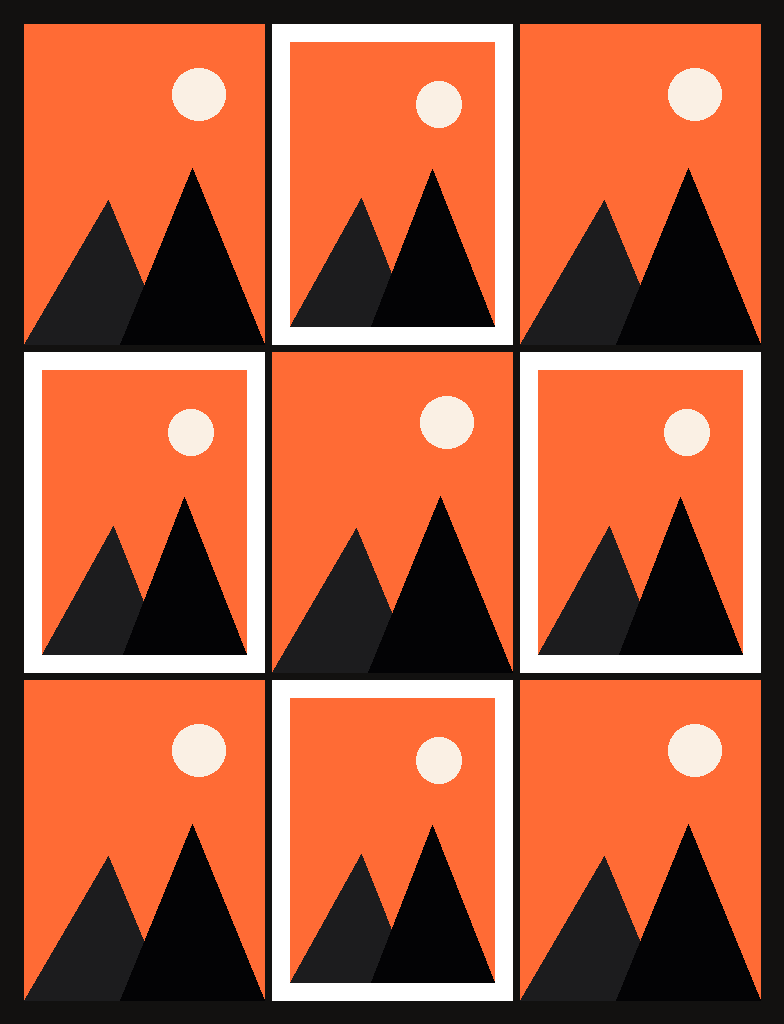
- Add a white frame to every second post.
- Keep the frame width the same each time.
- Use full-bleed images for your strongest shots.
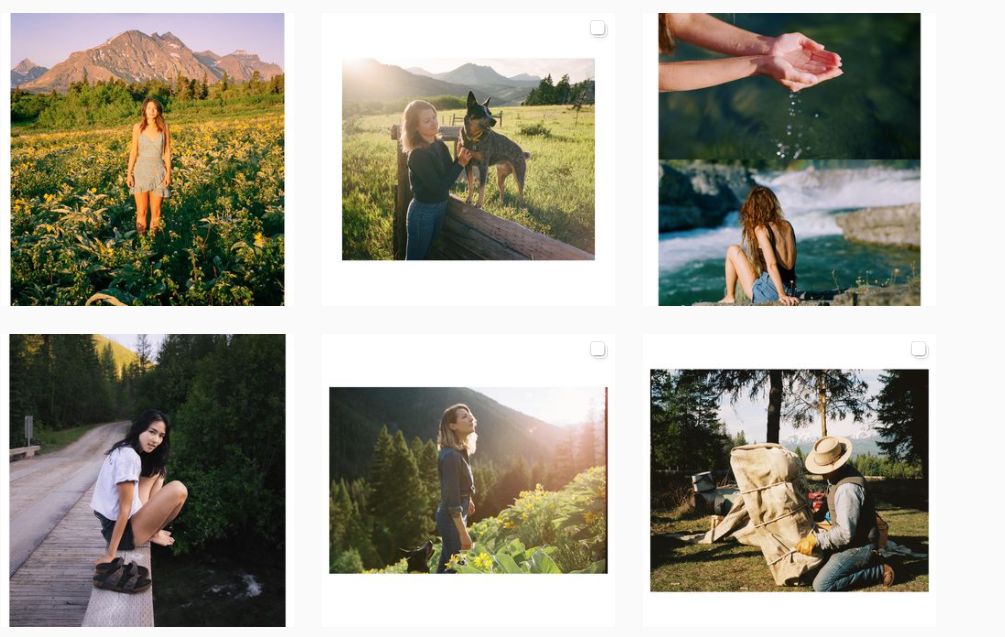
Mixed feed creates an interesting story and personality. Source: Forrest Mankins
7. White borders on every post
Best for: Product brands with many different colours.
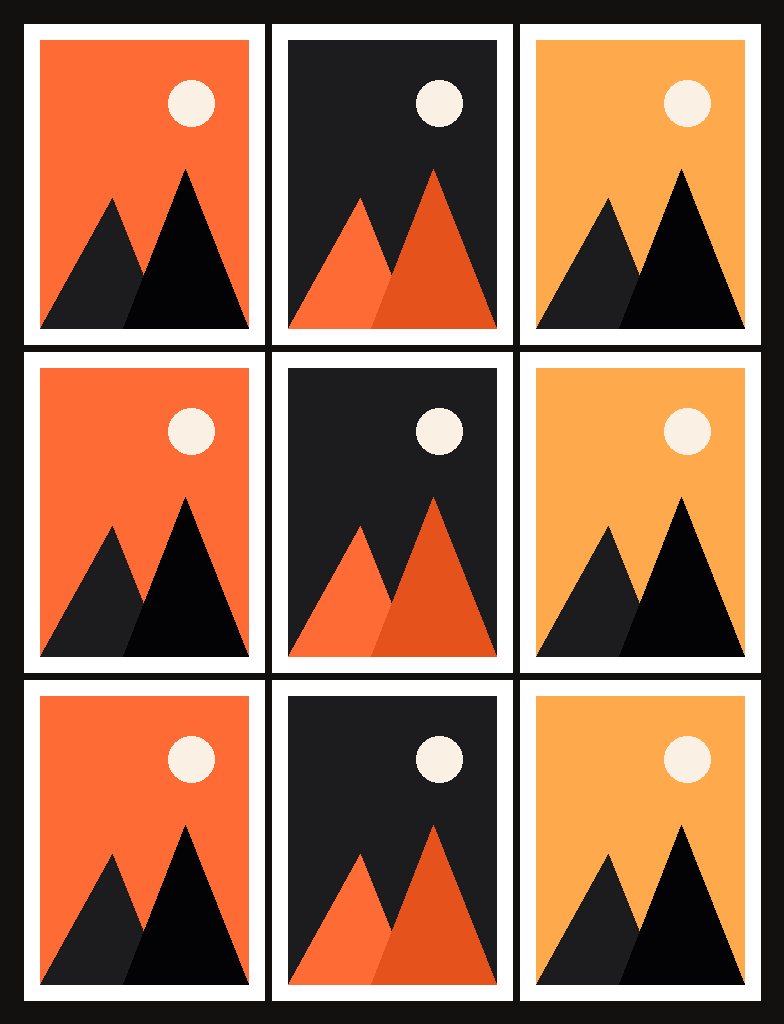
How to do it:
- Add the same white border to every image.
- Centre the product inside the frame.
- Use one editing preset so colours stay balanced.
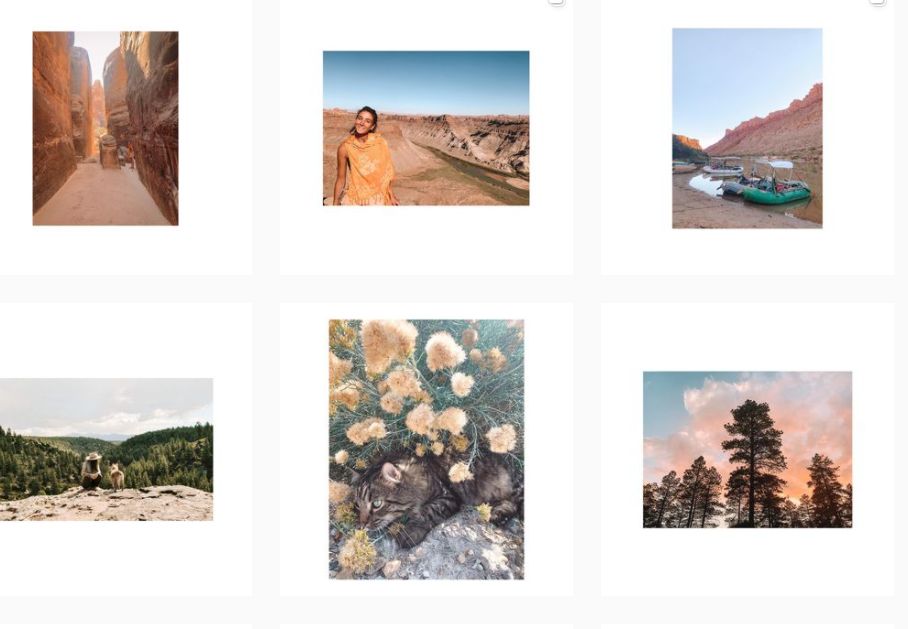
White border layout keeps the feed neat and bright. Source: Lady Austin
8. Full portrait posts (made for the 3:4 grid)
Best for: Every brand since the 2025 grid change.
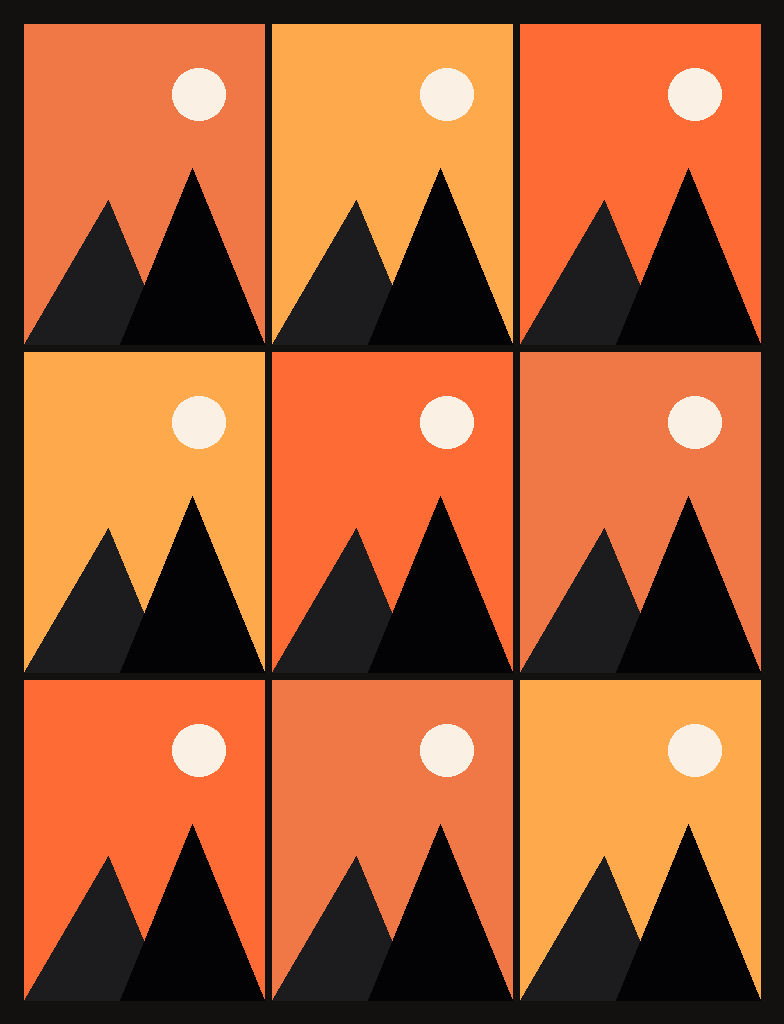
How to do it:
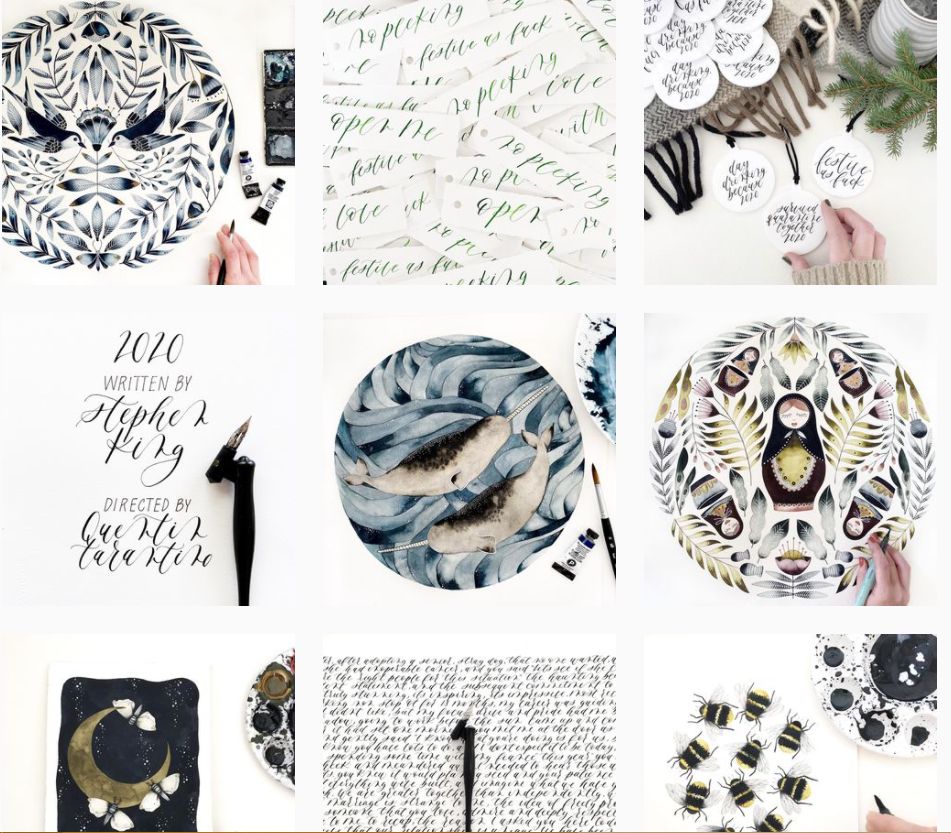
- Shoot and design in portrait (4:5, 1080×1350 px).
- Keep key text and faces in the centre 3:4 area.
- Avoid square designs, which get cropped on the profile grid.
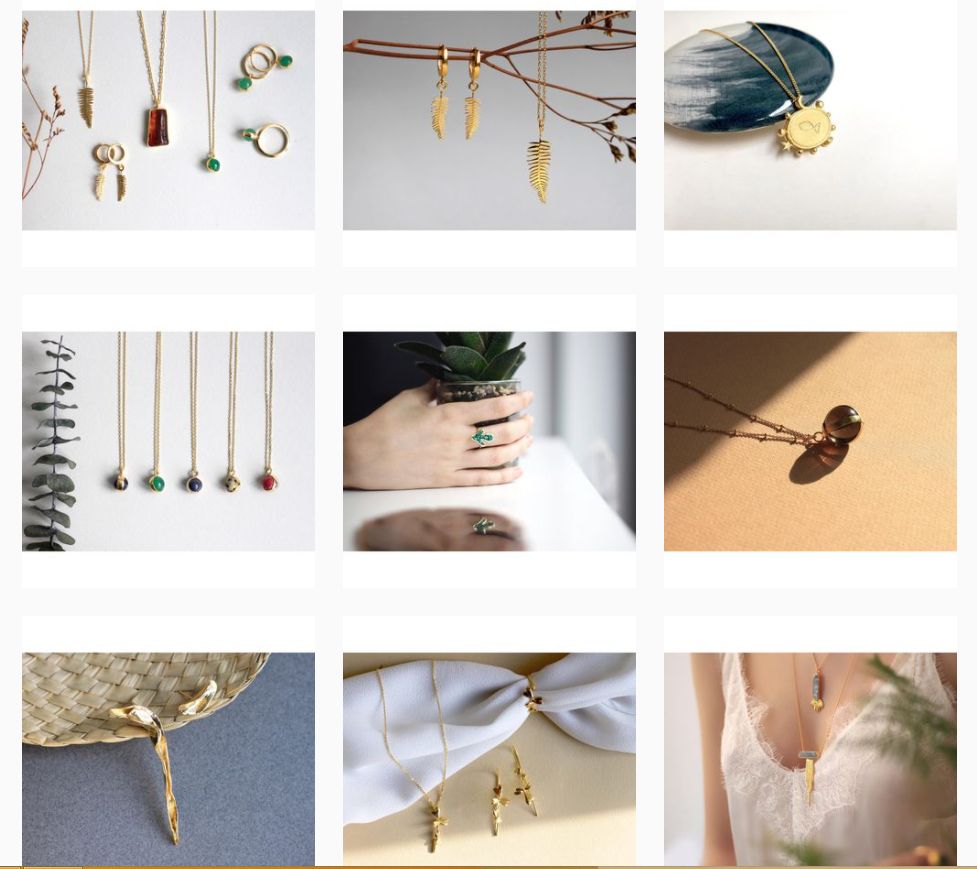
Rectangular photos provide large white spaces and make your feed look clean and spacious. Source: Yuka Studio
9. Two-colour palette
Best for: Brands with strong brand colours.
How to do it:
- Choose two core brand colours.
- Make every post feature at least one of them.
- Use the colours in backgrounds, props or text.
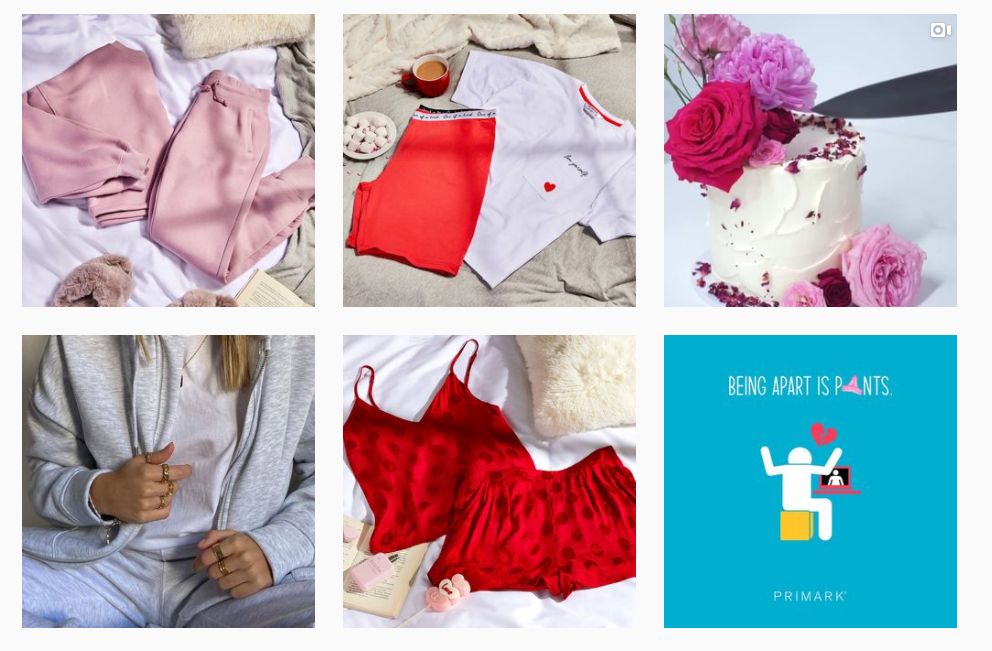
Color scheme layout is fun when you add vibrant colors that pop-out. Source: Primark
10. Colour blocking by row
Best for: Fashion, food and seasonal campaigns.
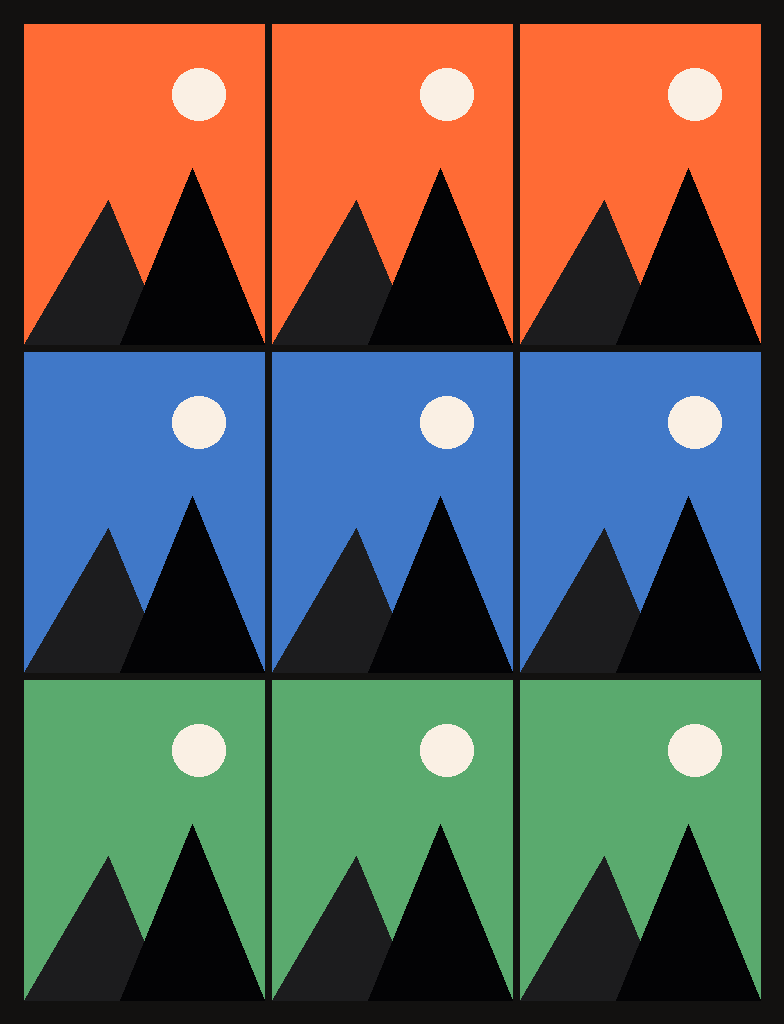
How to do it:
- Give each row of three posts one dominant colour.
- Change colour with each campaign or season.
- Plan three posts at a time.
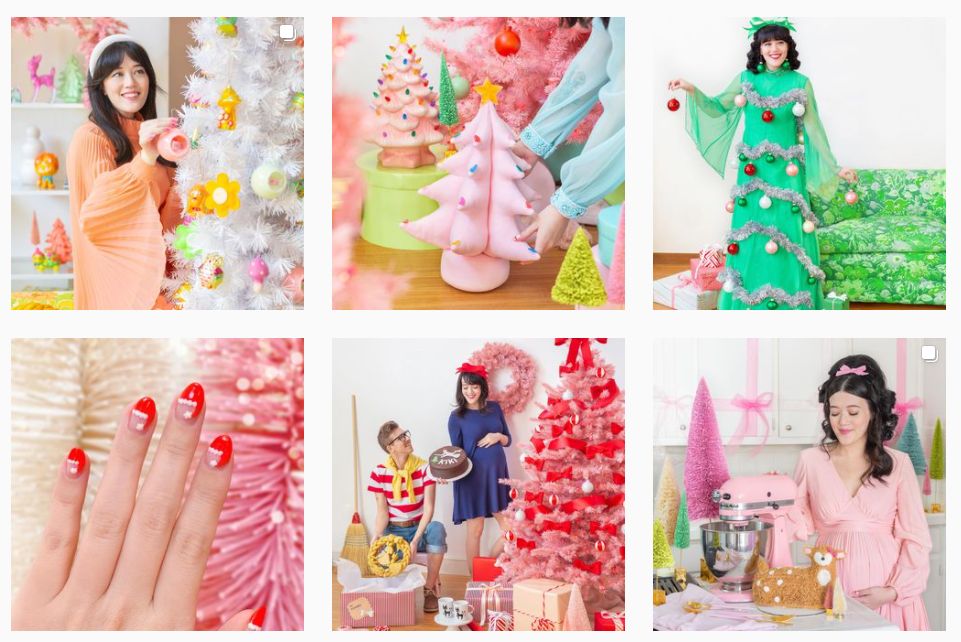
Filters and color blocking brings your Instagram feed to another level of fun. Source: Aww Sam
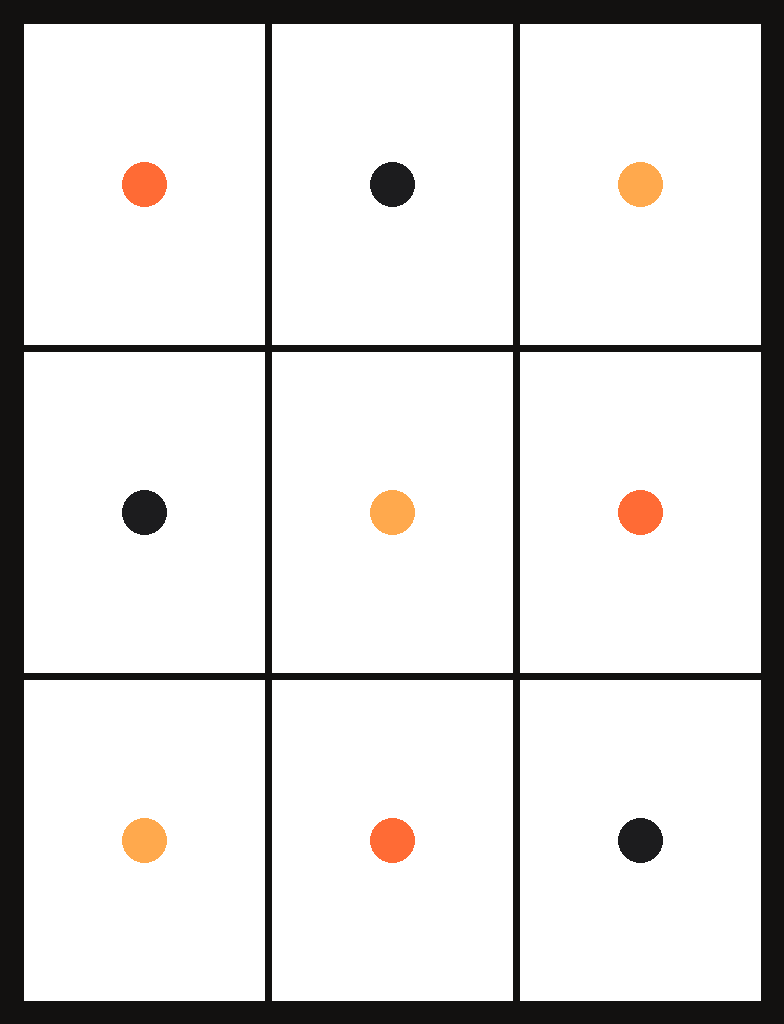
11. White and negative space
Best for: Minimal, premium and skincare brands.
How to do it:
- Shoot products on plain white or light backgrounds.
- Leave lots of empty space around the subject.
- Keep lighting and angle the same in every post.
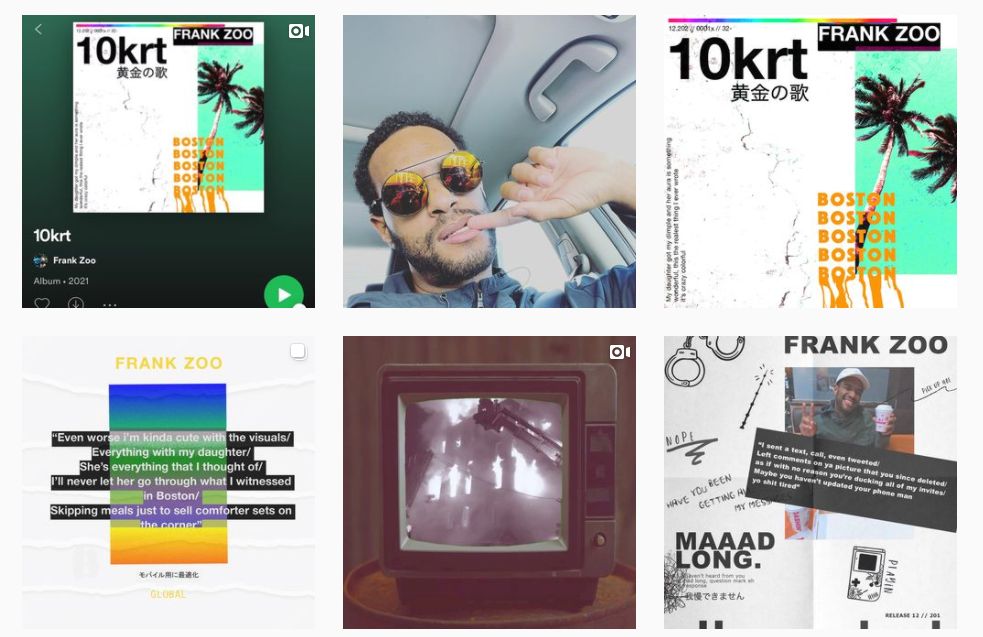
White and negative space gives a unique style and calmness to your feed. Source: The Frank Zoo
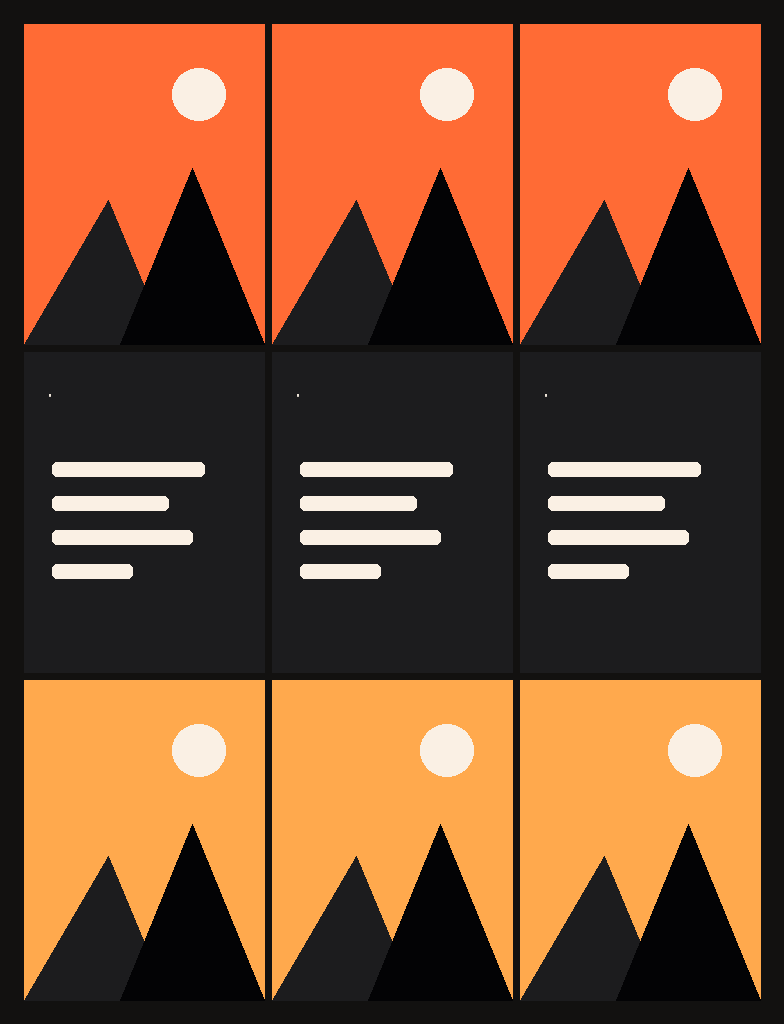
12. Row by row
Best for: Brands that post in sets of three (series, carousels, campaigns).
How to do it:
- Post in sets of three that share one theme.
- Alternate photo rows with text or announcement rows.
- Never post a single post on its own, or the rows shift.
Which Instagram grid layout should you choose?
For most brands, full portrait posts with a fixed colour palette or a checkerboard are the best choice – they’re low effort and work well with Instagram’s 3:4 grid; save puzzle grids for launches.
| Layout | Effort | Best for | Works with the 3:4 grid? |
|---|---|---|---|
| One post at a time | Low | Beginners, busy brands | Yes |
| Checkerboard | Low | Photos + quotes or offers | Yes |
| Centre column | Medium | Coaches, educators | Yes |
| Diagonal | Medium | One text post per two photos | Yes |
| Puzzle | High | Launches, campaigns | Yes, if designed as 3:4 tiles |
| Mixed borders | Medium | Photographers, lifestyle | Yes |
| White borders | Low | Colourful product ranges | Yes |
| Full portrait posts | Low | Every account | Best fit |
| Two-colour palette | Medium | Strong brand colours | Yes |
| Colour blocking by row | Medium | Fashion, food, seasons | Yes |
| Negative space | Low | Minimal and premium brands | Yes |
| Row by row | Medium | Series and campaigns | Yes |
What are the best free tools to plan an Instagram grid?
Planoly, Preview, UNUM and Plann let you drag posts into order and preview your grid before posting; VSCO is a free photo editor for keeping a consistent look. Free plans change often, so check each app’s current limits.
| Tool | What it helps with | Platforms |
|---|---|---|
| Planoly | Visual grid planner, scheduling, image splitting | iOS, Android, web |
| Preview | Drag-and-drop feed preview, presets, team planning | iOS, Android |
| UNUM | Grid preview, templates, basic edits | iOS, Android |
| Plann | Grid planning, scheduling, colour palettes | iOS, Android, web |
| VSCO | Photo editing presets for a consistent look | iOS, Android |
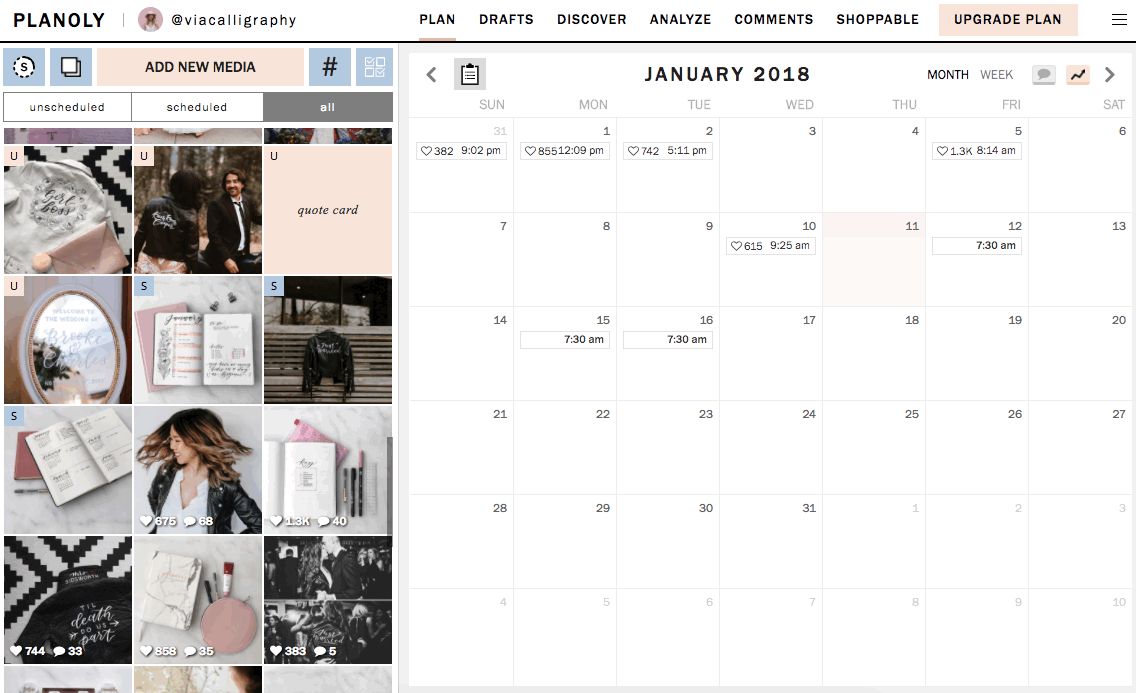
Planoly
Planoly is a visual planner and scheduler. To split one image into several grid posts: tap +, choose the image, tap the grid icon, pick the split format, tap Split, check the preview, then upload.
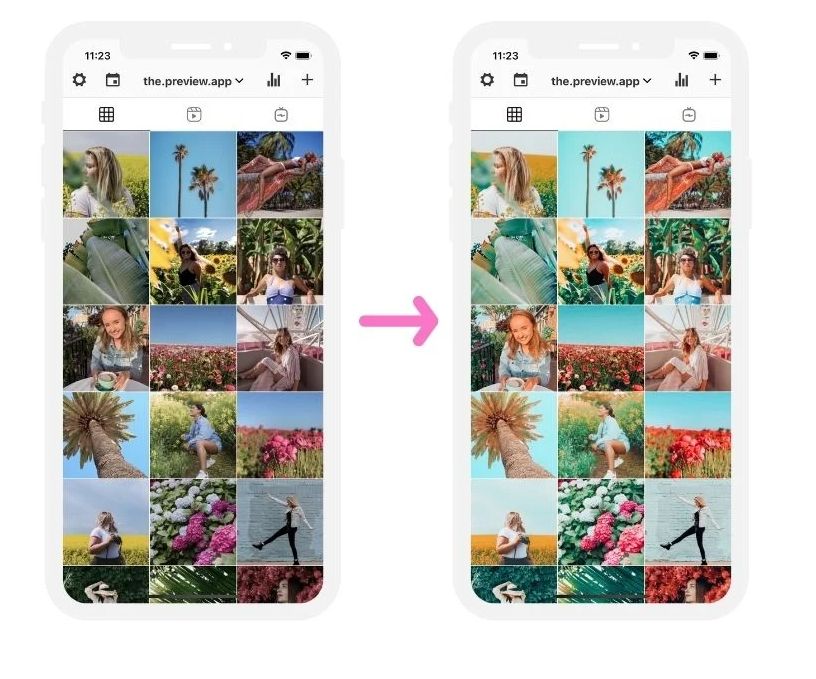
Preview
Preview lets you upload upcoming posts, swap their order with a tap, edit with built-in presets, and plan the feed with teammates.
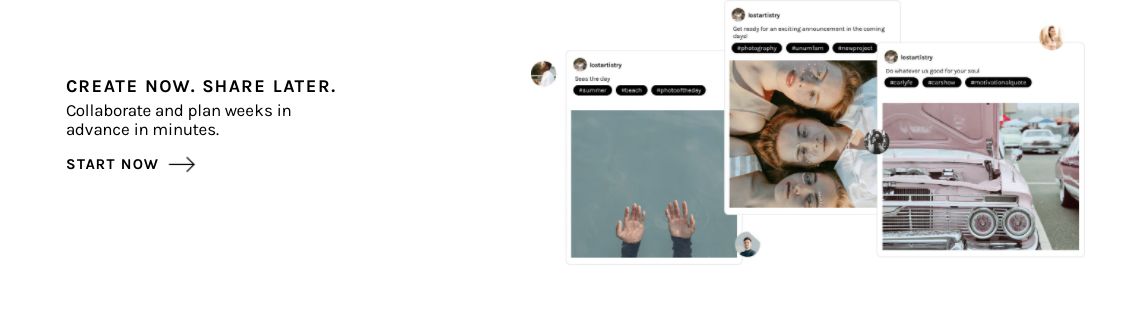
UNUM
UNUM offers drag-and-drop grid previews, templates and basic editing, so you can see how a new post fits before you publish.
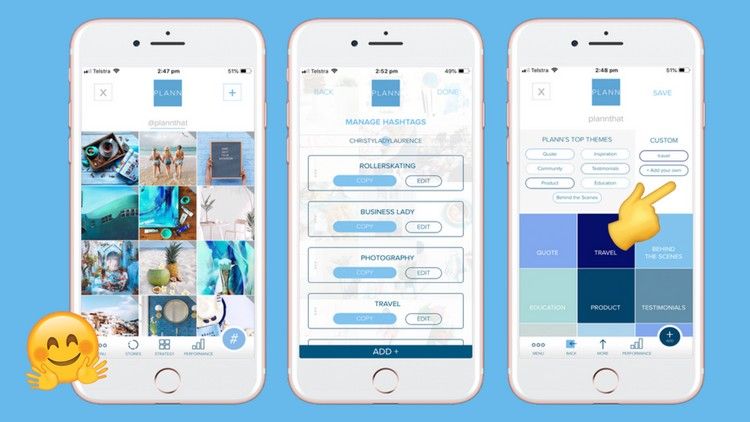
Plann
Plann combines grid planning and scheduling with colour-coded placeholders, which helps when you’re planning a colour-blocked or row-by-row grid.
VSCO
VSCO is a photo and video editor with presets and tools such as saturation, grain and contrast – useful for keeping every post in the same style.
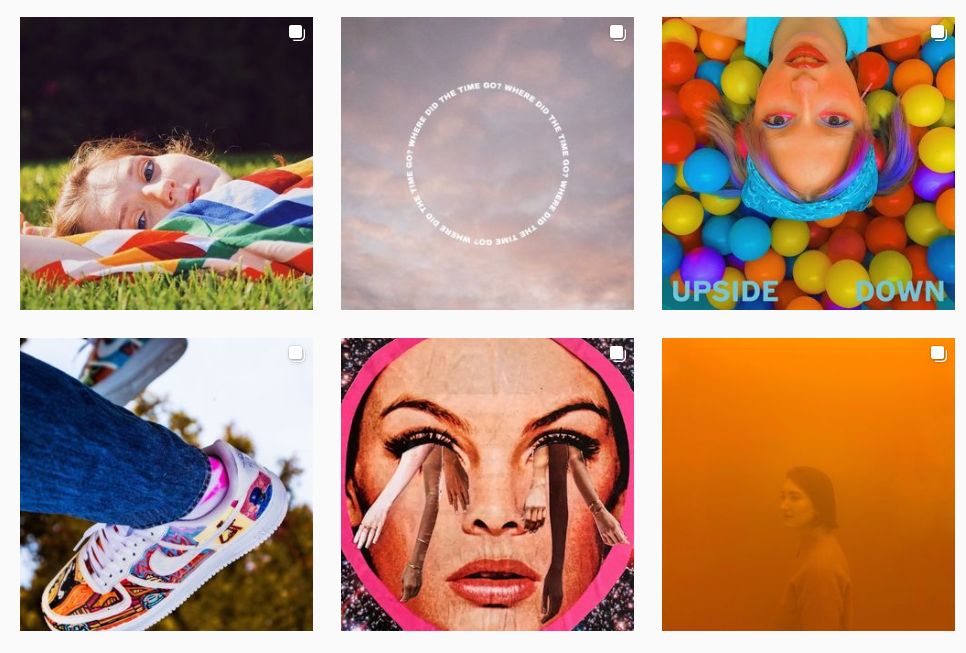
How do you keep your Instagram grid consistent?
Choose one layout, one colour palette and one editing style, and plan at least nine posts ahead in a grid planner before you publish. Changing layouts every few weeks is the fastest way to make a feed look messy.
Need help planning an Instagram feed that converts visitors into followers? One Search Pro runs social media marketing for Malaysian brands – talk to our team.
Read also: Instagram highlight icons · Instagram story games
Frequently asked questions
What is the best grid layout for Instagram?
For most brands, a one-post-at-a-time feed with a fixed colour palette, or a checkerboard, is the best Instagram grid layout. Both are easy to keep consistent and work well with the taller 3:4 profile grid.
What size should Instagram posts be for the new grid?
Post in portrait at 1080 × 1350 pixels (4:5). The profile grid shows a 3:4 crop of each post, so keep faces, products and text in the centre.
How do I plan my Instagram grid before posting?
Use a free feed planner such as Planoly, Preview, UNUM or Plann. Upload your next posts, drag them into order and check how the profile grid will look before you publish.
Do puzzle grids still work on Instagram?
Yes, but they need more planning since the grid moved to 3:4 tiles. Design the big image for a 3 × 3 grid of 3:4 tiles, post the pieces in reverse order, and make sure each piece still looks good alone in the feed.
Does a grid layout help Instagram growth?
A planned grid doesn't change how Instagram ranks your posts, but it gives profile visitors a clear first impression, which can make them more likely to follow.